Users
Contacts & friends
Contacts are friends and family. They text from the phone they already have — and they can update a few things from that same phone so the Communicator has more to talk about.
They send a normal text to the number they already know. When it arrives, the iPad speaks it and EnableText opens so the Communicator can respond. The Contact gets a regular text back.
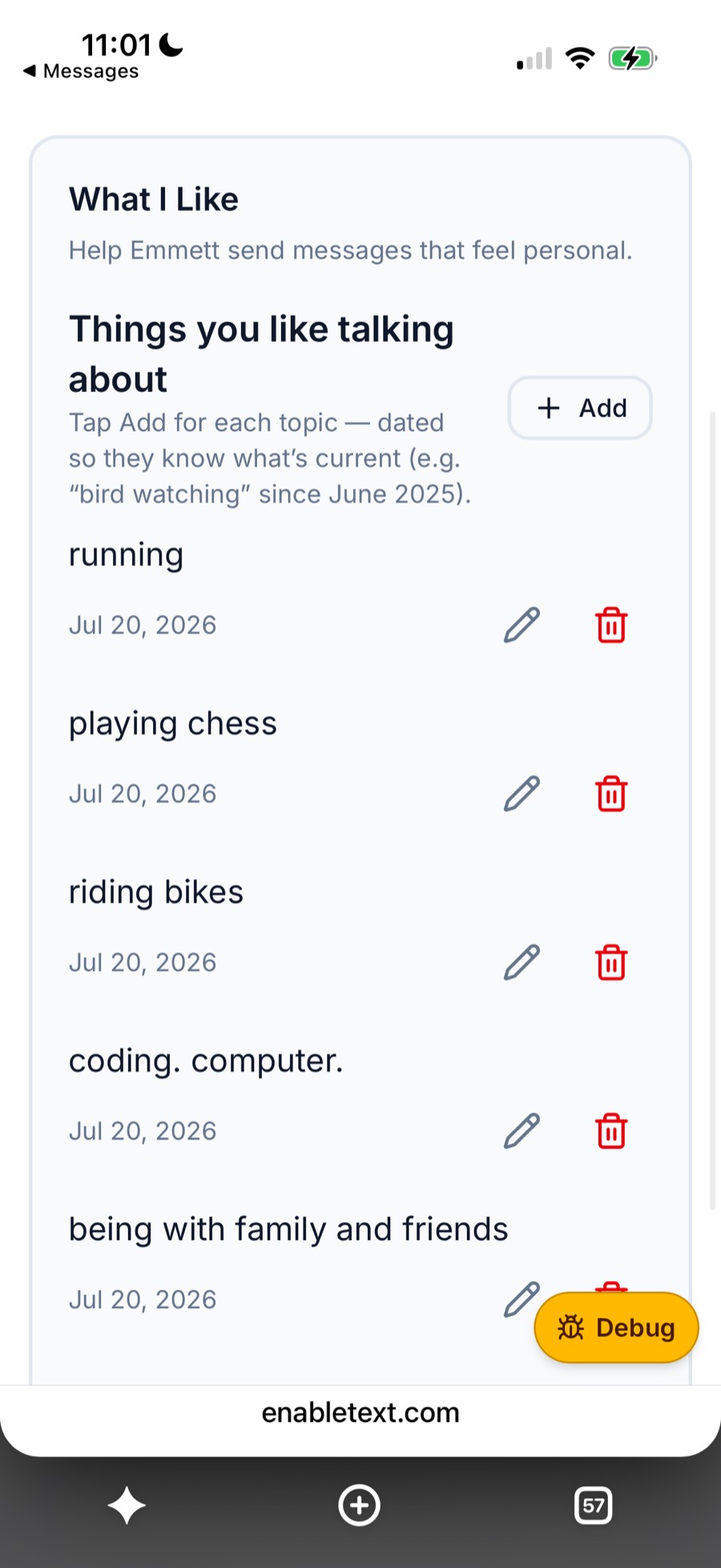
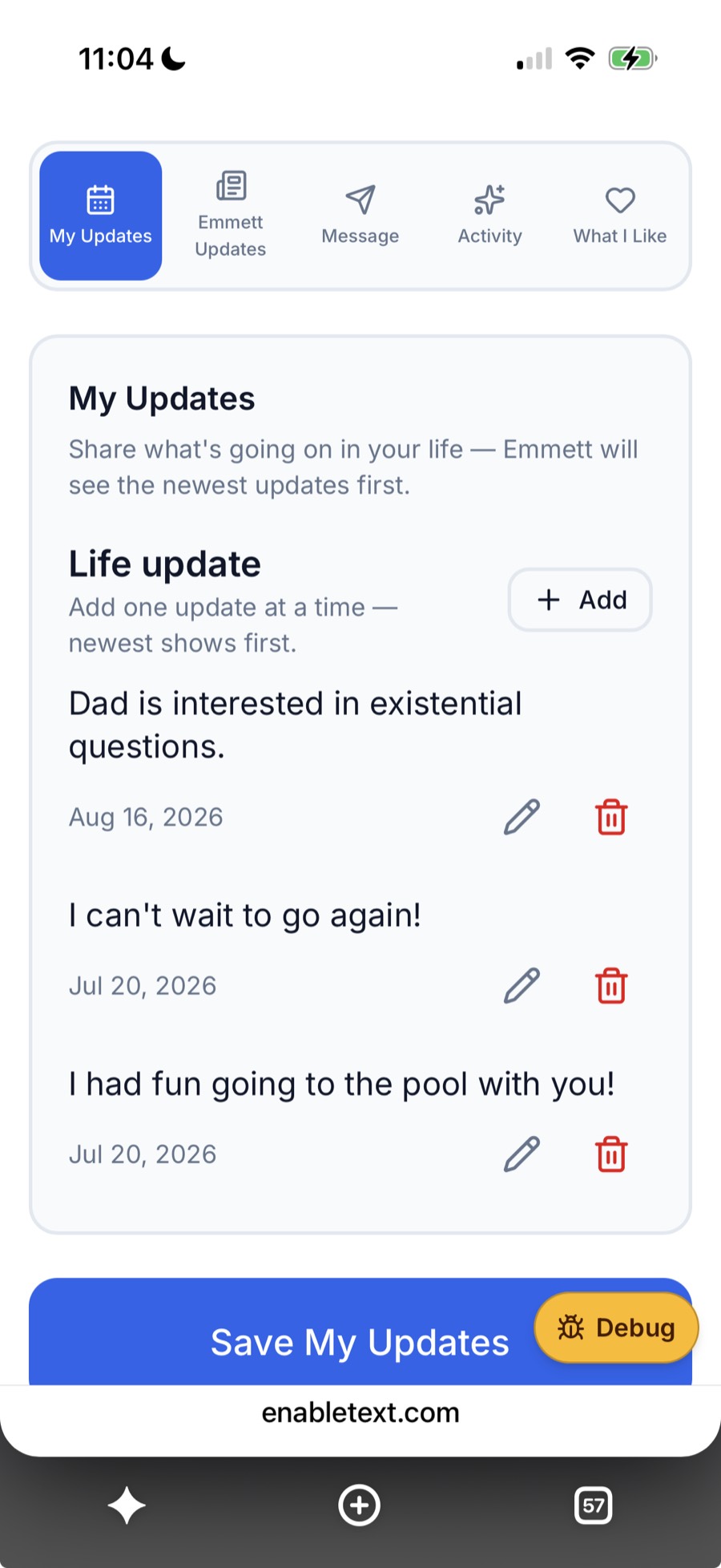
Their EnableText page is built for a phone. No app to install. Open a link, add a like or an update, and they’re done — on the subway, on the couch, wherever they already text.
They can share what’s going on in their life, what they like, and see updates from the Communicator. That context helps the next conversation feel like a real one.
Made for a phone.
So a Contact can update in a minute.
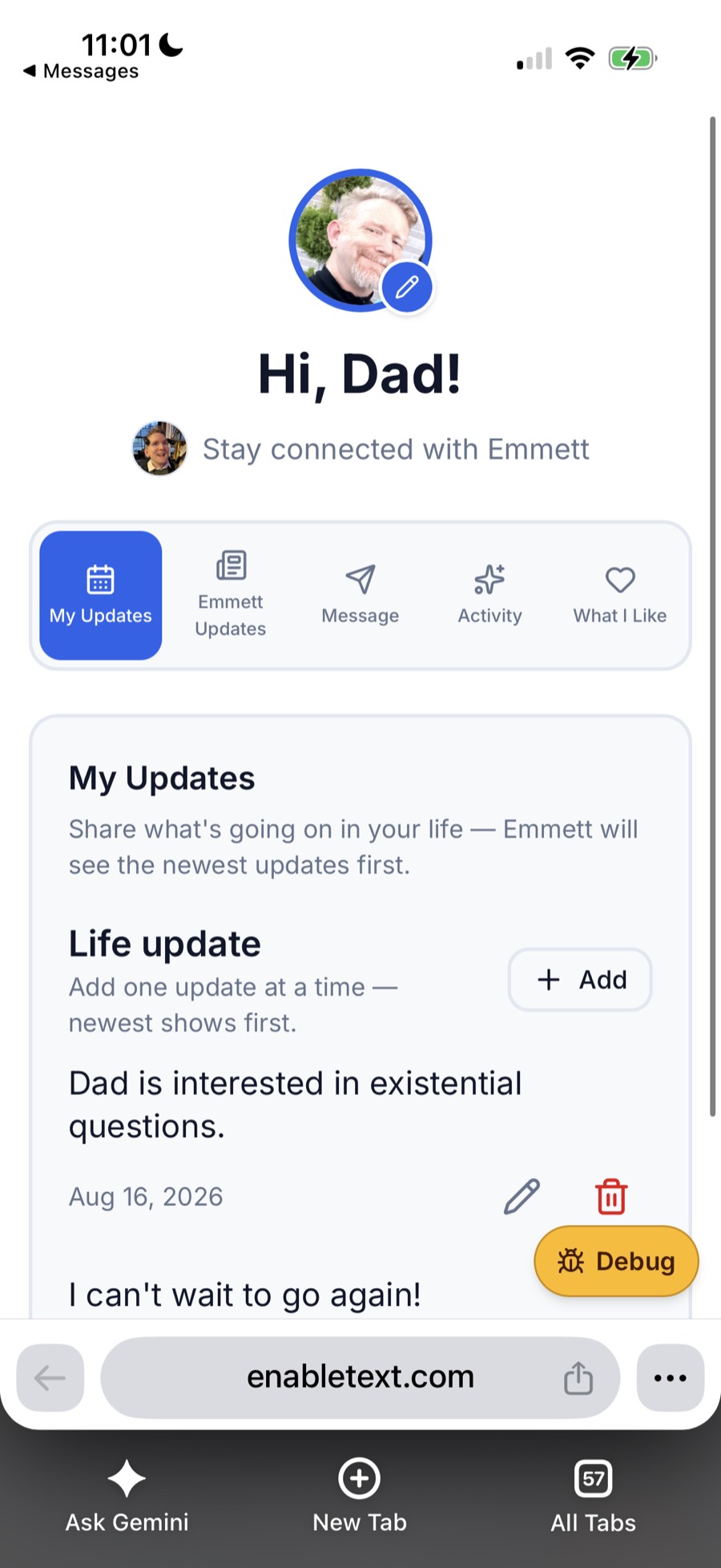
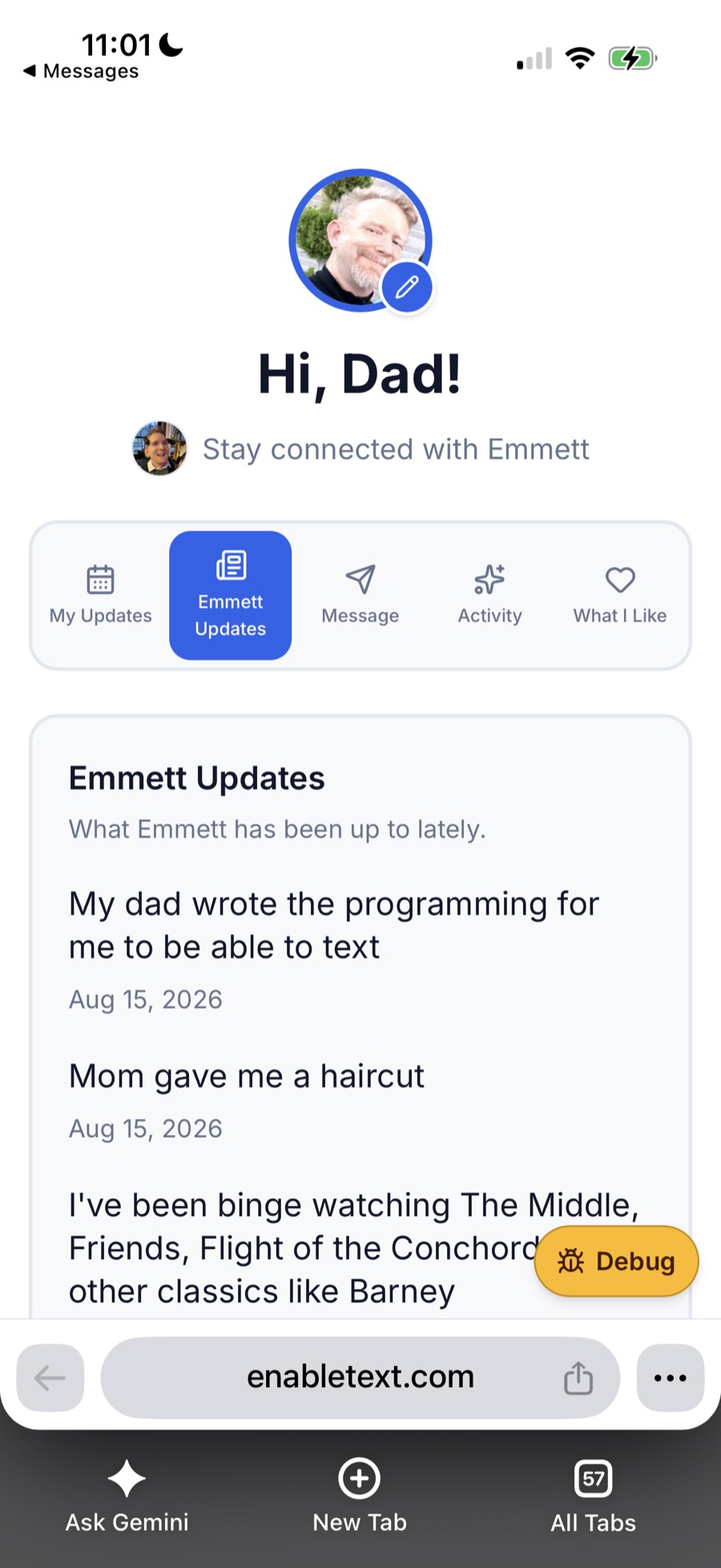
A Caretaker adds people to the Circle so those faces show up on Home for the Communicator. The Contact keeps their own likes and updates current.