How EnableText Works
A text comes in. They answer.
When a new text arrives from a Contact, the iPad speaks it. EnableText opens a screen so the Communicator can respond.
A Contact sends a text
Friends and family don’t need EnableText. A Contact texts the number they already know, the same way they text anyone else.
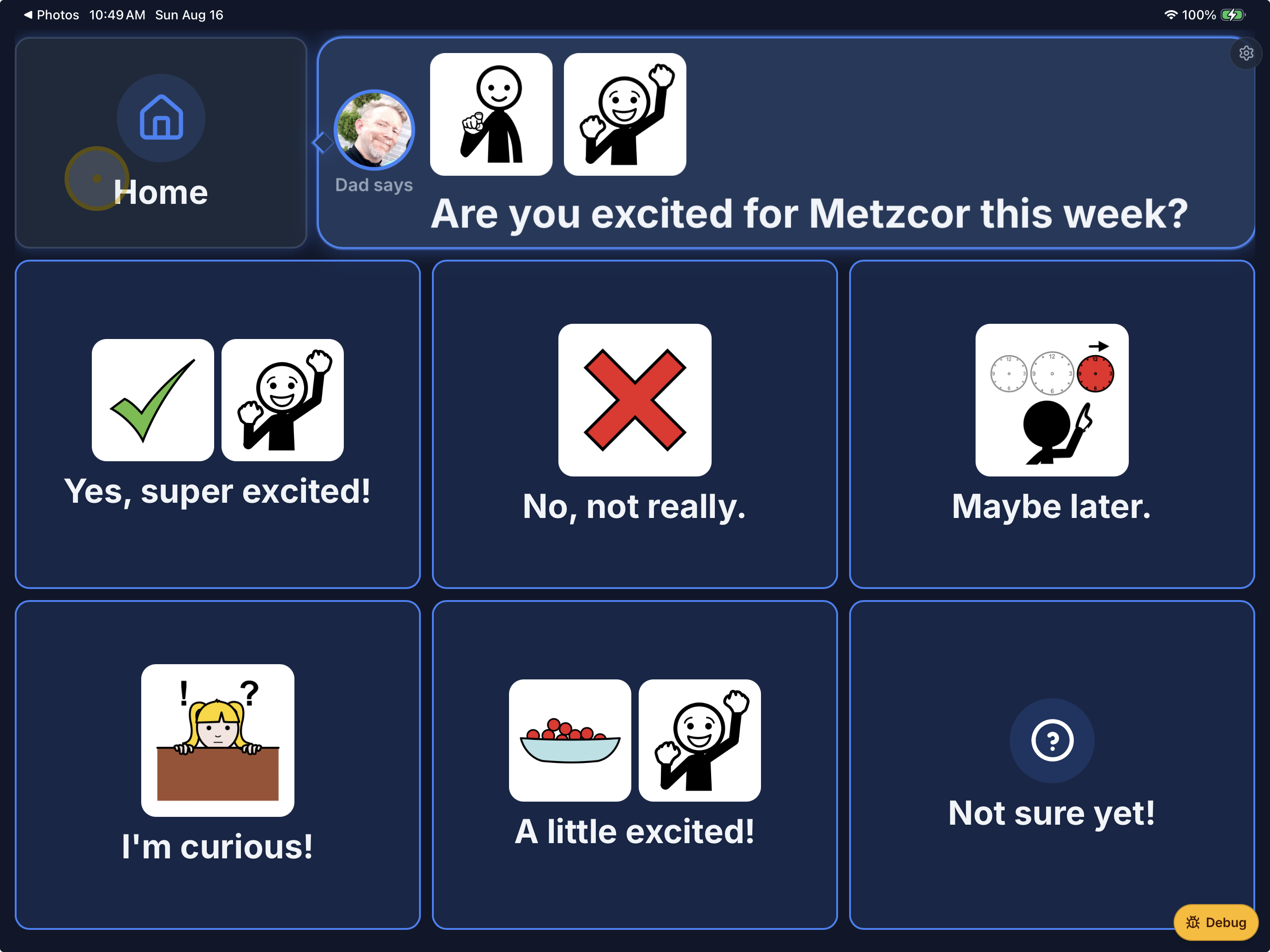
AI offers replies. The Communicator chooses.
EnableText reads the message out loud, then uses AI to generate contextually aware responses — not a generic list. The Communicator looks or taps the one that fits.
They send a normal text back
The Contact gets a regular text. No special app. No extra account. Just the conversation, continuing.
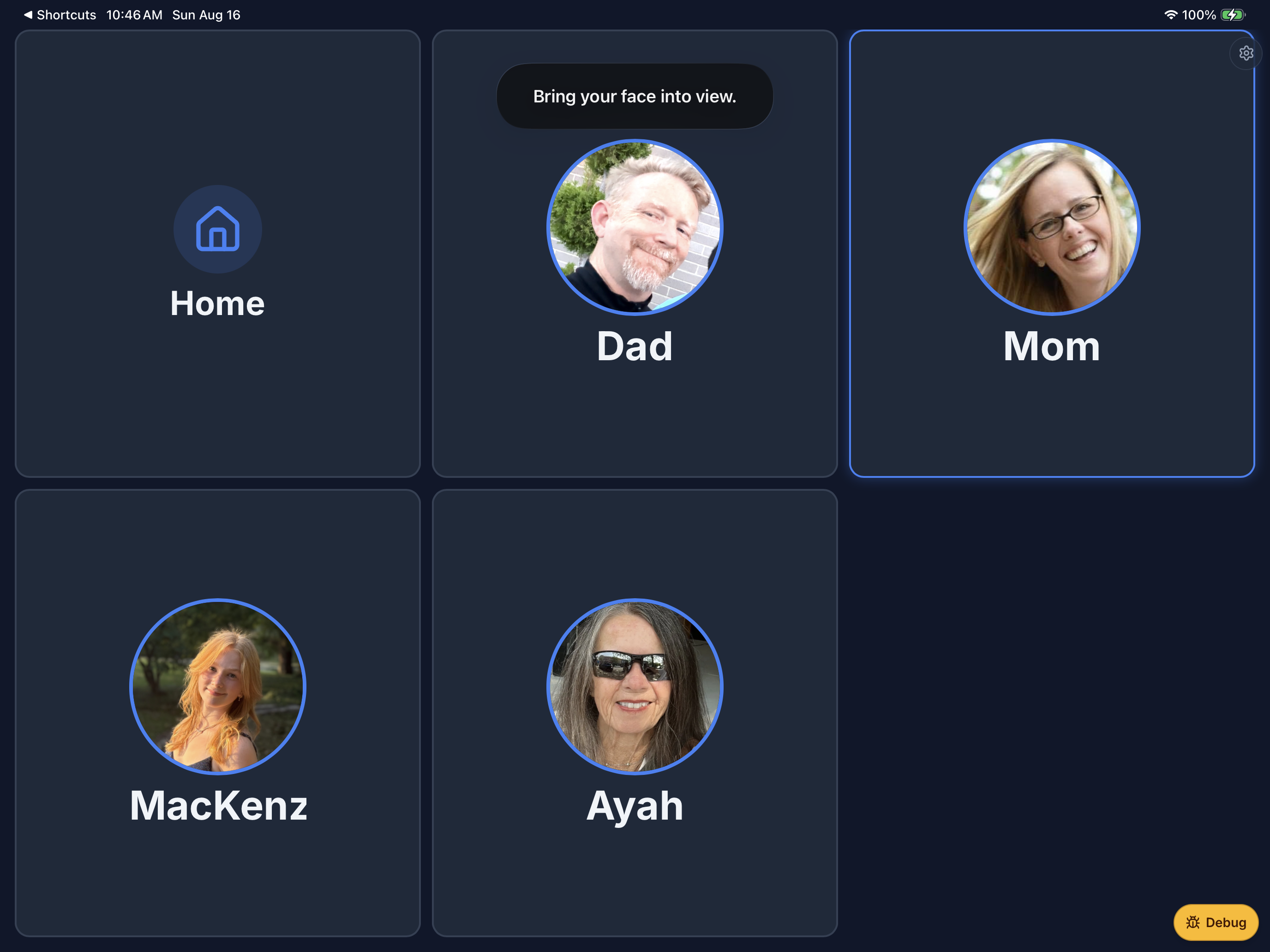
From Home, choose who to text
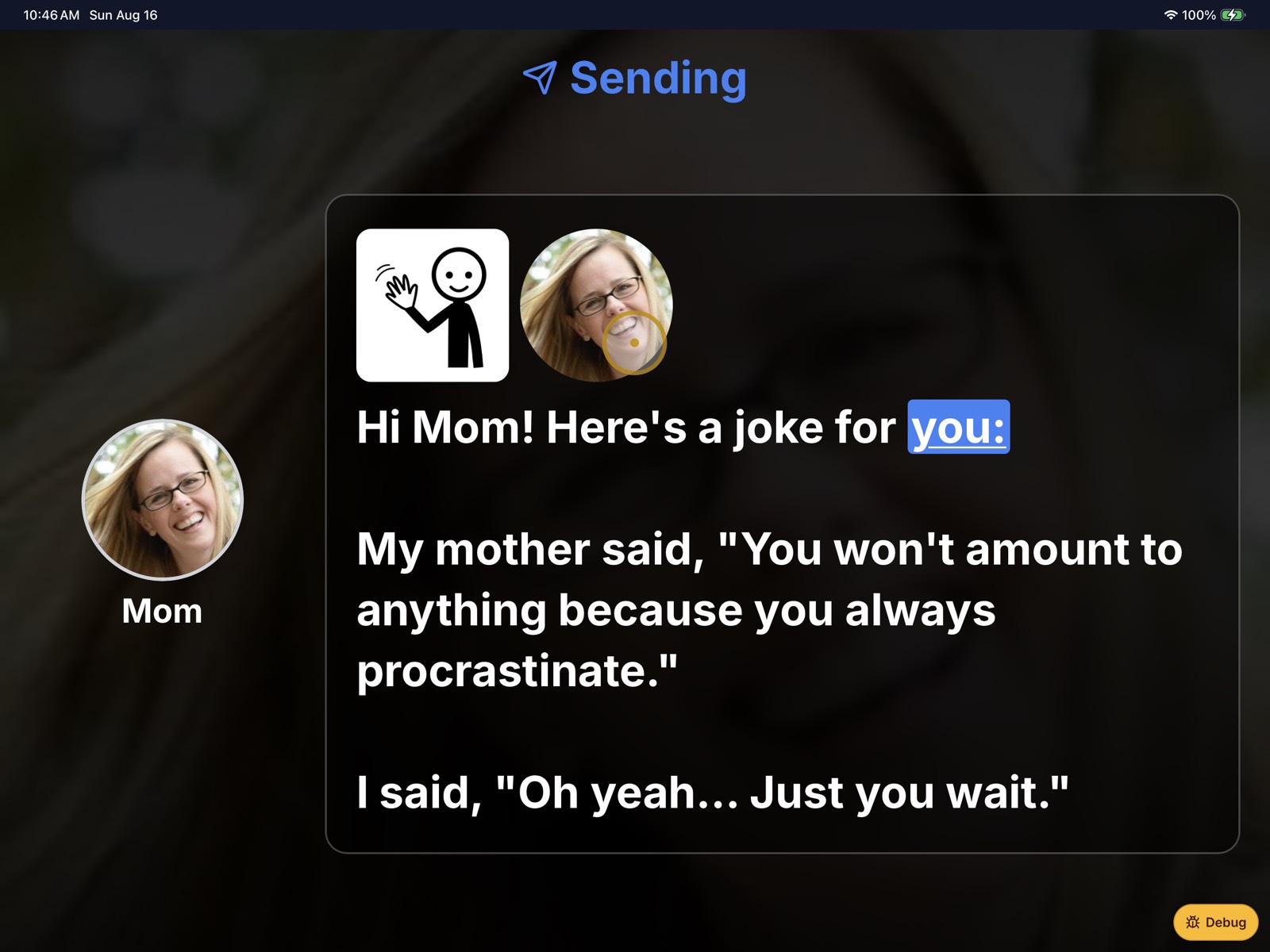
The Communicator can also start a conversation. Home shows the people in their Circle — tap or look at a face, and that’s who they text.
Make a funny picture, send a joke, or send a GIF
The Communicator can take a photo and ask EnableText to put them in a ridiculous scene — a monster with ice cream, dancing pizza, whatever makes people laugh.
Or they pick a joke. Or they pick a funny GIF from Giphy. Look at send, and the Contact gets it like any other text. Something to laugh about, not just answer.



A Caretaker keeps the Circle ready
A Caretaker adds people, photos, and the details that make conversations easier — without sitting in the middle of every text.