Texting made easier.
Meaningful conversations made possible.
EnableText was originally built by Dara and James for their son Emmett, who uses an eye-gaze talker.
The idea was simple: Could AI help Emmett have better conversations with his friends and family?
EnableText helps communicators send and receive texts, hear messages aloud, share pictures, remember what’s happening in the lives of people they care about, and find new things to talk about.
Because communication isn’t just about saying what you need. It’s about being part of each other’s lives.
A little help starting the conversation.
Sometimes the hardest part is knowing what to say next.
EnableText can use AI to help suggest conversation starters, responses, questions, memories, pictures, and topics based on the person you’re talking with.
The communicator stays in control. AI just helps open more doors.
Your people. Your conversations.
EnableText makes it easier to stay connected with the people who matter.
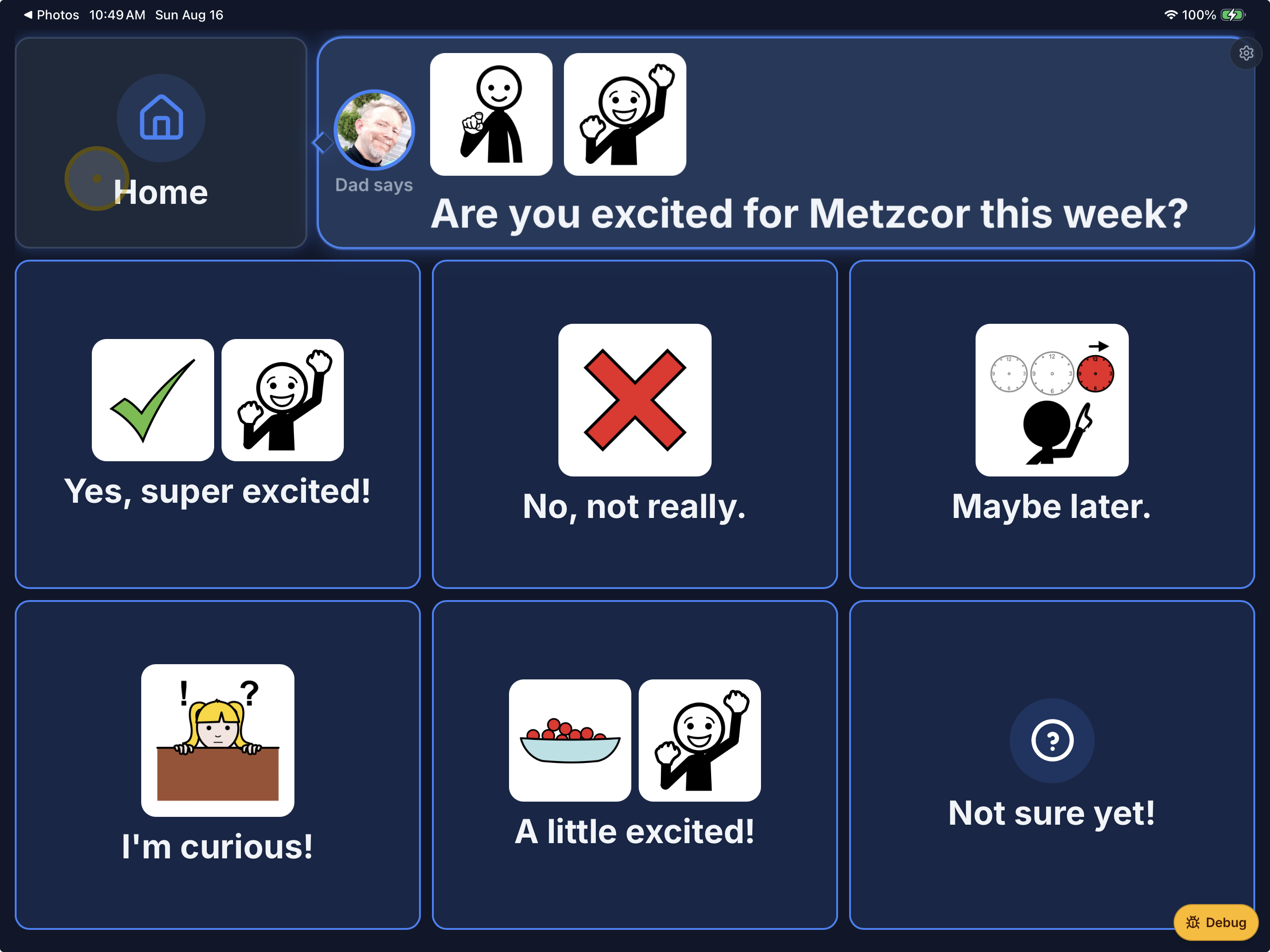
Mom. Dad. Brother. Sister. Friends. Caretakers. Anyone. Tap a face and start talking.
More than texting.
EnableText creates a simpler way for people with communication challenges to stay connected to the people they care about.
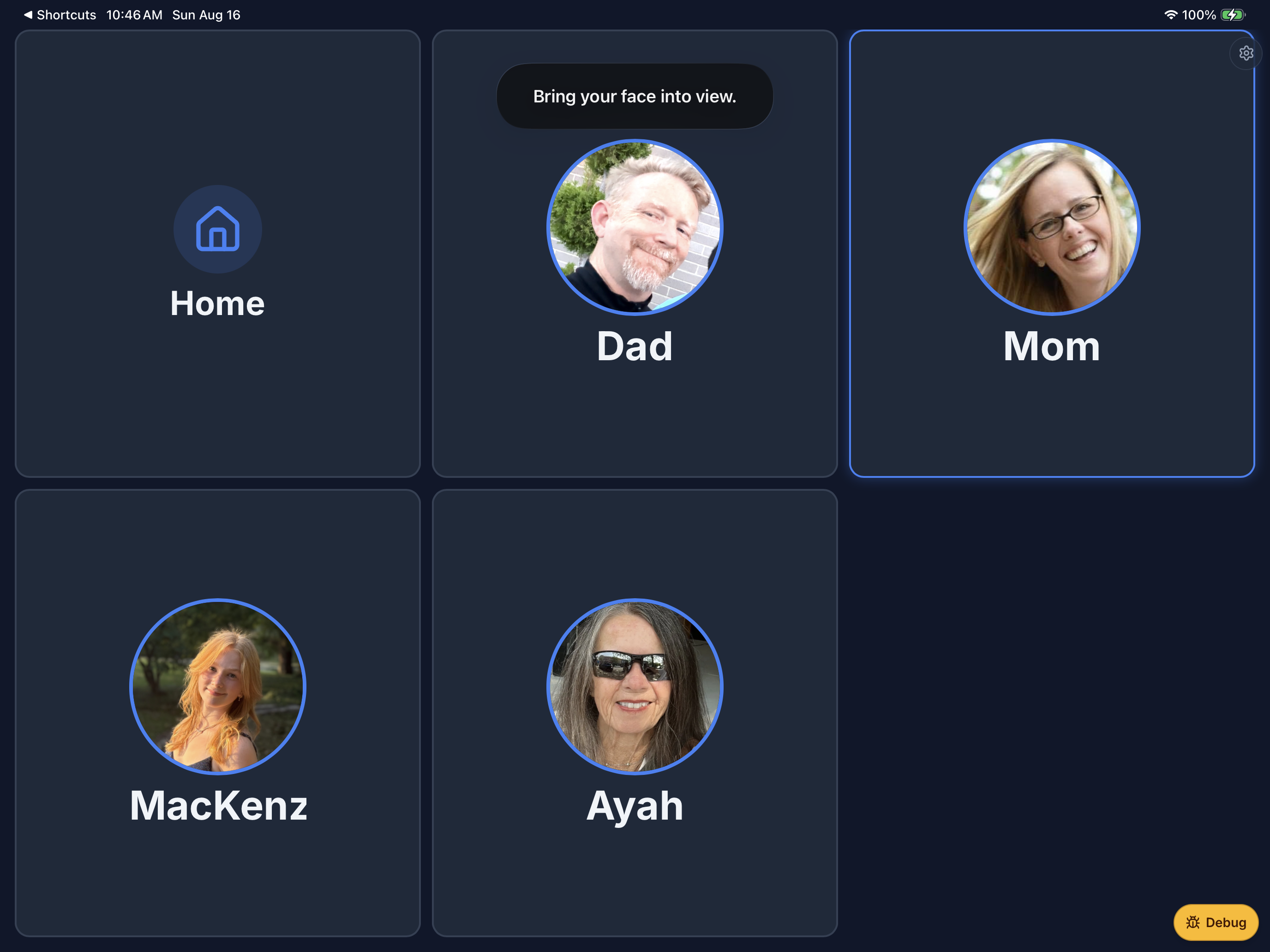
Big buttons. Familiar faces. Easy conversations. No complicated menus.
Just people talking to people.
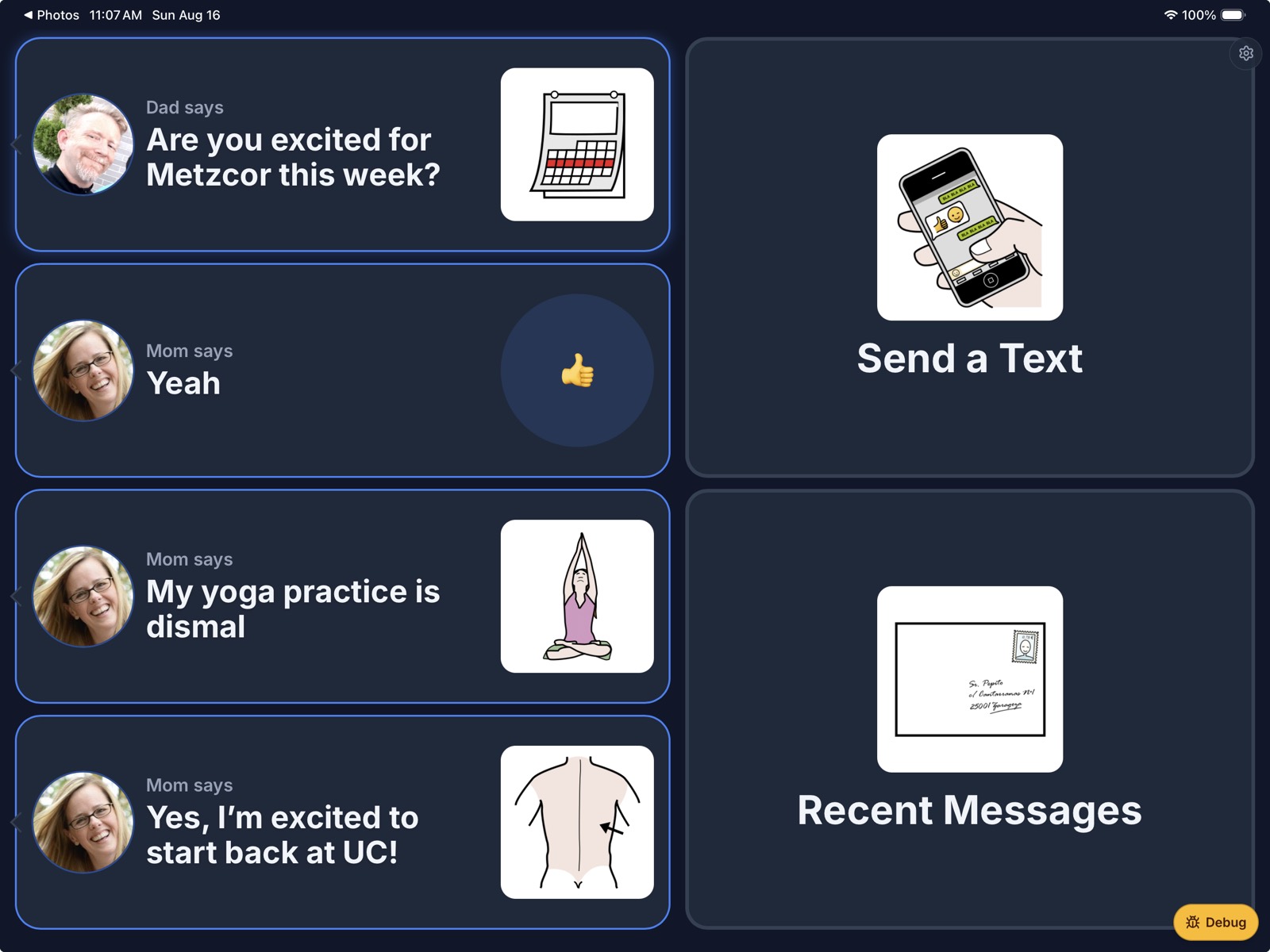
Send a message
Choose a contact, write or build a message, and send it as a normal text.
Hear messages
Incoming messages can be spoken aloud, making conversations easier to follow.
Share the fun
Send photos, generated pictures, reactions, and other things that make conversations feel like conversations.
Stay connected
Friends and family can text the same phone number they already know.
Make something fun.
Sometimes a picture says it better.
Turn a photo into something hilarious. Put yourself somewhere amazing. Become a superhero. Play your favorite sport.
Create it. Send it. Talk about it.
Communication should be useful. But it should also be fun.

Built for independence.
Designed for support.
EnableText gives the communicator a simple experience while giving caretakers and trusted people the tools they need behind the scenes.
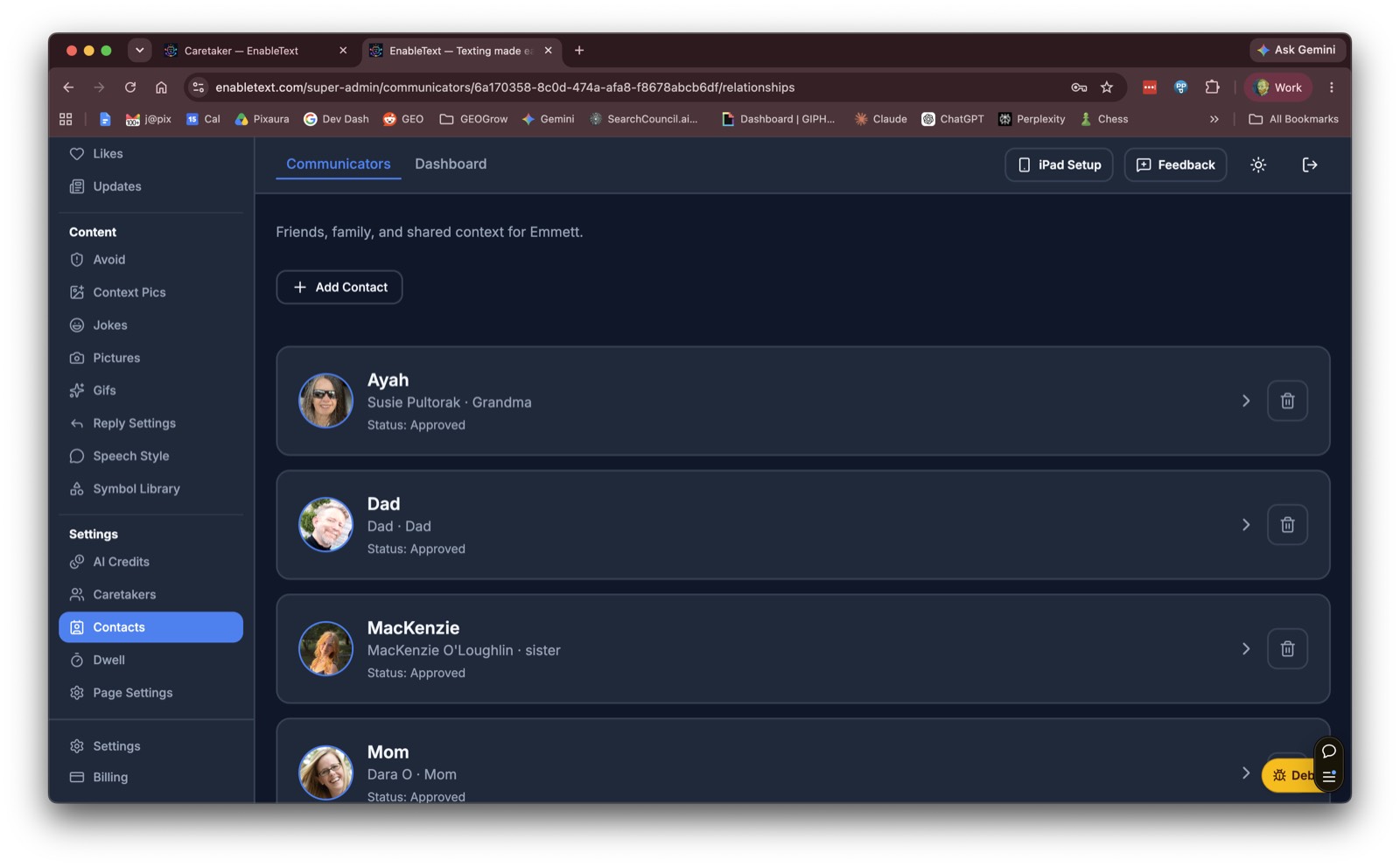
Caretakers can help manage contacts, preferences, conversations, and communication settings without making the experience complicated for the person using EnableText.
Everyone gets to be in the conversation.
Whether it’s:
- “What’s for dinner?”
- “Look what I did today!”
- “Happy birthday!”
- “Want to hang out?”
- or just… “Hey”
EnableText makes everyday connection easier.